Unscreen Alternative for Video Background Removal
Upload a clip, download it cut out
Drop in a clip, let the model remove the background, and take the file into your edit or onto your page.
Video background remover
One free frame preview, no sign-in needed 2 credits per second of video No watermark on paid downloads See pricing
Previews are processed at up to 720p. Paid downloads keep the original frame size. Uploads are deleted after 24 hours, finished downloads after 7 days.
Try an example
How to remove a video background here
Upload, pick a subject and a format, then download; this tool's own limits are listed in the details below.
1Upload your clip
Click Upload video or drop an MP4, MOV or WebM up to 30 seconds and 100 MB.
2Choose subject and format
Pick People or Objects & pets and one of four downloads. The credit cost shows before you start.
3Download the result
About 5 minutes for a 30-second clip. You can leave the page while it runs.
Pick the file for where it is going




See it on a moving clip
The original clip and its cut-out play in sync under one divider. Drag it across, then compare the stills below.
AI-generated sample clip. The cut-out is real, unedited output from the People model.
Download this example (WebM with alpha)Still frames
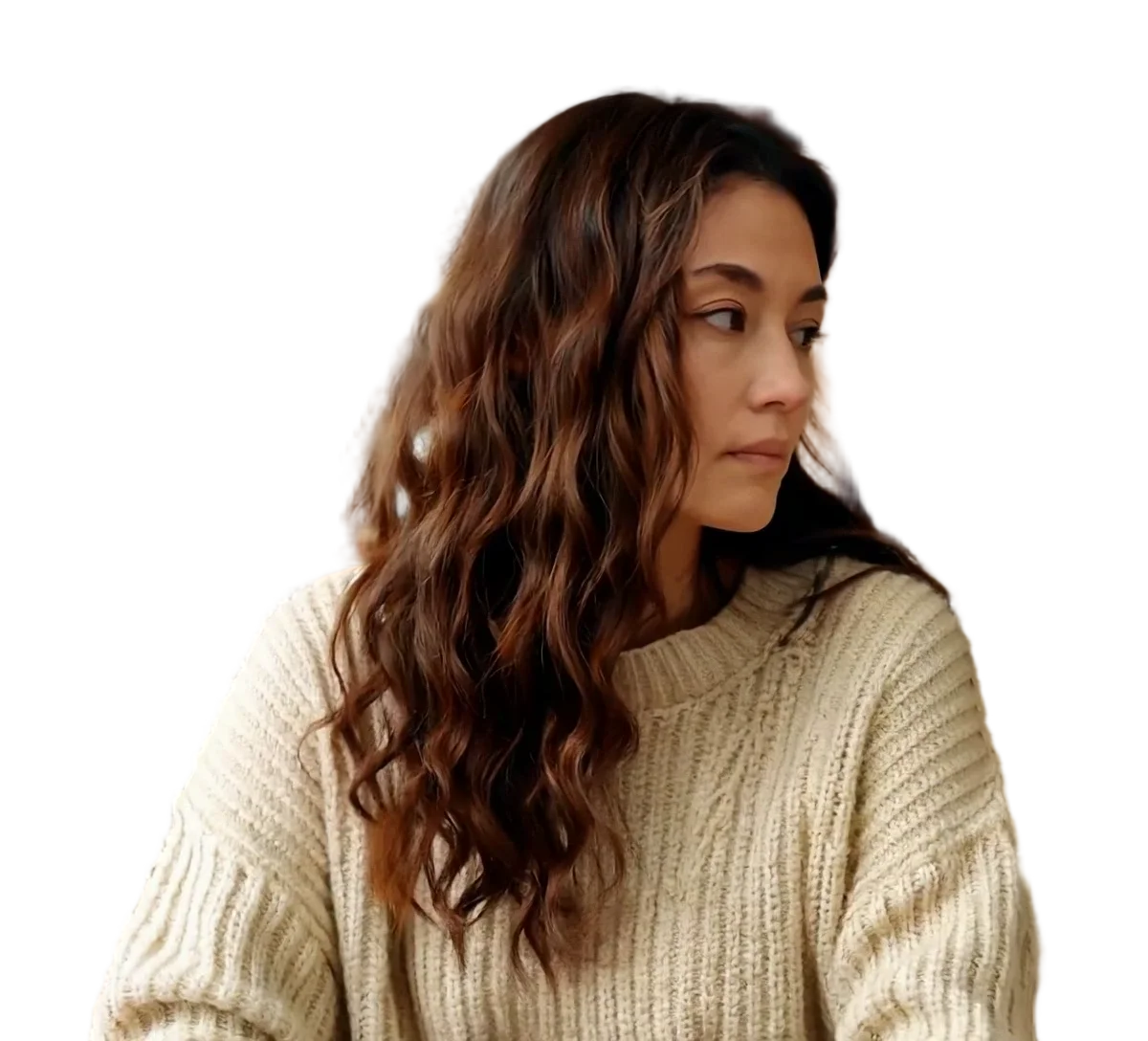

Person
Video model output
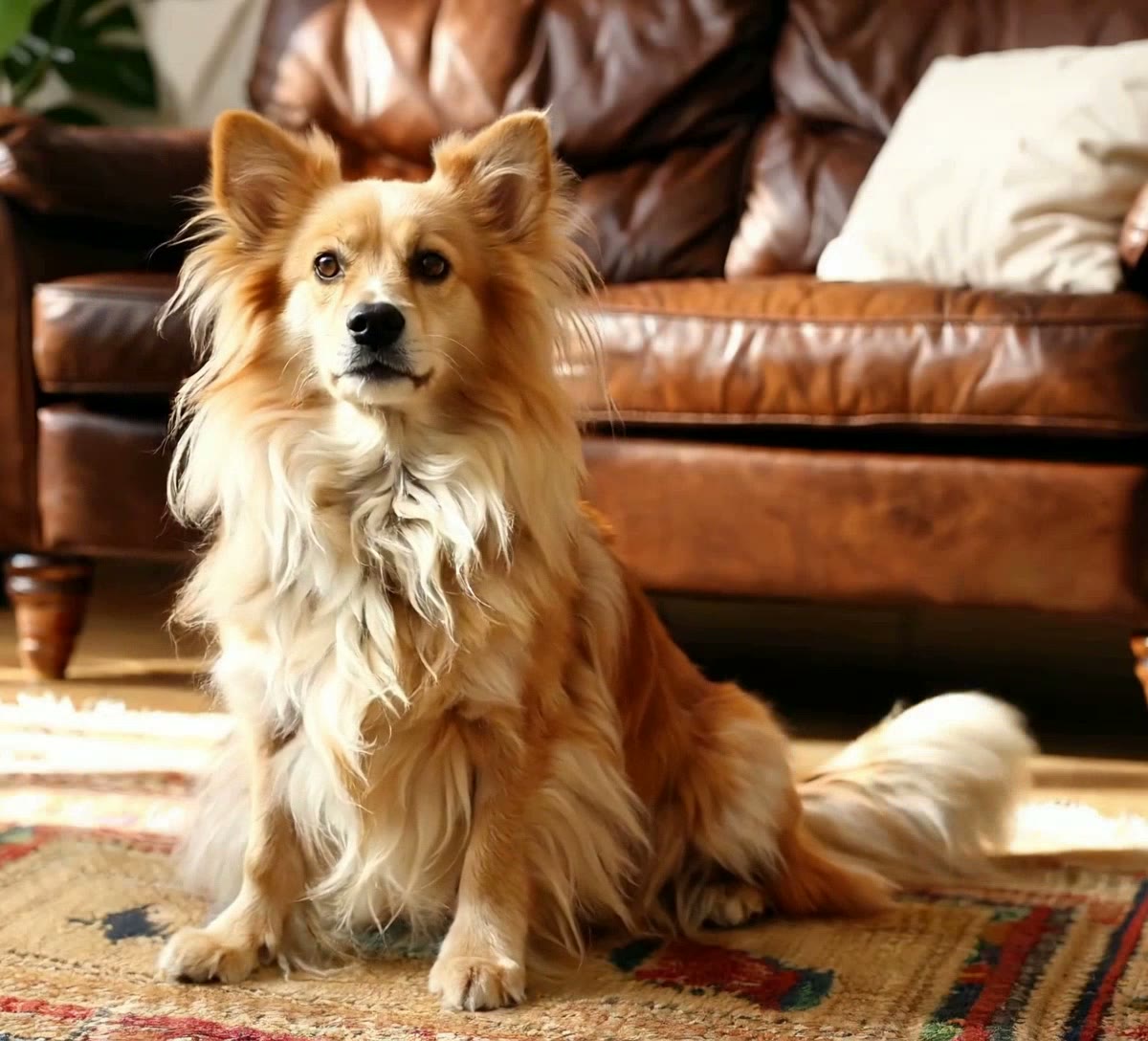
Pet
Video model output

Product
Video model output
Unscreen alternative in detail
If you used Unscreen to remove video backgrounds
Canva's help centre says Unscreen has closed. If you need another place to remove video backgrounds, this page sets out what carries over, what does not, GIFs included, and what happens to videos you already exported.
What to check before switching to this Unscreen alternative
We do not list Unscreen's old prices or limits: the product has closed and we could not check them against a current source. These are this tool's own limits.
| This tool | |
|---|---|
| Longest clip | 30 seconds per upload |
| Largest upload | 100 MB |
| Upload formats | MP4, MOV, WebM |
| GIF upload or GIF download | Not supported |
| Downloads | Transparent WebM, ProRes 4444 MOV, green screen MP4 or alpha mask, one per job |
| Frame size and frame rate | Same as your upload |
| Audio | Kept on every paid download |
| Price | 2 credits per second, shown before you start |
| Free check | One frame preview with no sign-in, then three frame previews and one 5-second video preview a day once you sign in, all watermarked and processed at up to 720p |
| Wait | About 5 minutes for a 30-second clip |
| Editor, timeline or project import | None |
Where this tool softens or drops part of the subject
Quality limits we have seen on our own demo clips, so you know what to look for in the free preview rather than after paying:
- The finest flyaway hair is softened, and a small gap inside hair can show the background.
- Fast-moving thin parts, a wagging tail tip for one, can break into dark jagged streaks.
- Steam and smoke are removed with the background.
- A hard shadow under an object can stay, attached to the object.
- An object turning out of frame can be cut only partly, and a board under a product can be kept in some frames and dropped in others.
Videos you already made with Unscreen
Canva, which owns Unscreen, says in its help centre that previously exported Unscreen videos can continue to be used, including in commercial and client projects. It lists exceptions, such as AI training, military use and illegal or harmful use. That is Canva policy for Unscreen exports, so read its article before you reuse an old clip in a new project.
Sources
- Unscreen status and exported videos: Canva Help Center, Unscreen officially closed
Coming from GIF background removal
This tool does not take GIF uploads and does not export GIFs. Convert a GIF to MP4 before you upload it. If the finished result has to be a GIF, convert the transparent WebM afterwards in a separate tool and check the edges.
For a web page, the transparent WebM is usually the better file to publish directly, since it keeps soft edges in its alpha channel.
Where the downloads open
Checked against the vendor documents linked below the table.
Scroll the table sideways to see every column.
| Download | Transparency in the file | Chrome and Firefox | Safari | Final Cut Pro | DaVinci Resolve 20 | OBS Studio | Size, 30 s of 1080x1920 |
|---|---|---|---|---|---|---|---|
| Transparent WebM (VP9) | Yes | Plays with transparency | Plays VP9, without transparency | WebM is not in the import list | No WebM container in the list | .webm listed as a media file; alpha not checked | About 23 MB |
| ProRes 4444 MOV | Yes | Not checked | Not checked | Apple ProRes, all versions, listed | ProRes 4444 MOV listed | .mov listed as a media file; alpha not checked | About 975 MB |
| Green screen MP4 (H.264) | No: flat #00FF00 to key out | Not checked | Not checked | H.264 listed | Not checked | .mp4 listed as a media file | 12 to 15 MB |
Not checked means we found no vendor document for that cell, not that it fails. Premiere Pro, After Effects and CapCut are left out because we could not check them against Adobe or CapCut documentation.
Sources
- Chrome, Firefox and Safari: Jake Archibald, video with transparency on the web (2024)
- Final Cut Pro: Apple Support, Final Cut Pro import formats
- DaVinci Resolve 20: Blackmagic Design, DaVinci Resolve supported codec list, July 2025 (PDF)
- OBS Studio: OBS Studio knowledge base, Media Sources
Measured on a real clip
The wait and the file sizes from one paid job, so you can plan storage and turnaround.
- Wait for the 30-second clip
- About 5 minutes
- 272 s and 300 s in total, one run per subject mode
- Transparent WebM
- About 23 MB
- VP9 video with an alpha channel
- ProRes 4444 MOV
- About 975 MB
- About 260 Mbit/s, alpha channel included
- Green screen MP4
- 12 to 15 MB
- H.264 video on #00FF00 green
Measured on one 30-second 1080x1920 clip at 30 fps, September 2026. Your own clips will differ.
Frequently asked questions
Canva, which owns Unscreen, has a help centre article titled Unscreen Officially Closed, which says Unscreen.com has closed. The same article covers what happens to videos people already exported. We link to it on this page rather than repeating details Canva may update, so check it for the current wording.
According to Canva's help centre, yes: previously exported Unscreen videos can continue to be used, including in commercial and client work, with exceptions that Canva lists, such as AI training, military use and illegal or harmful use. That is Canva's policy, not ours, so read its article for the full list before you reuse a clip.
This Unscreen alternative lets you check results without paying, and the first check needs no account: upload a clip signed out and you get one watermarked cut-out frame preview. After you sign in you get up to three frame previews a day and one watermarked 5-second video preview a day with the model version for the subject you picked. Previews are processed at up to 720p. A full clip without a watermark costs 2 credits per second of video, keeps your original frame size, and the total is shown before you start.
No. GIF files cannot be uploaded, and none of the downloads is a GIF. Uploads are MP4, MOV or WebM, and the outputs are transparent WebM, ProRes 4444 MOV, green screen MP4 and an alpha mask. For a GIF result, convert the transparent WebM in a separate tool afterwards and check the edges before you publish it.
2 credits per second of video, for People and Objects & pets alike, so a 30-second clip is 60 credits. The cost for your clip appears after upload and before you press Remove background, based on its length as measured on our server. Credit packs and monthly plans are on the pricing page. We do not compare with Unscreen's old prices, because we cannot verify them.
The watermark appears only on the free previews: the frame preview and the daily 5-second video preview. When you process the full clip with credits, the download has no watermark. There is no step that removes a watermark from a preview afterwards; run the full job on the same upload instead.
30 seconds and 100 MB per upload. There is no long-video mode, so a longer clip has to be trimmed to the part you need, or split into parts of 30 seconds or less and processed one at a time. A 30-second clip takes about 5 minutes, and you can leave the page while it runs.
No. There is no project import and no account link with Unscreen or Canva. Upload the original video file again, choose the subject mode and output format, and process it here. If you only kept an exported result and not the original, uploading that works too, as long as it is an MP4, MOV or WebM of up to 30 seconds.