Green Screen Video Background Remover
Chroma key green, no studio needed
Upload ordinary footage and download the same clip with the subject standing on pure #00FF00 green.
Video background remover
One free frame preview, no sign-in needed 2 credits per second of video No watermark on paid downloads See pricing
Previews are processed at up to 720p. Paid downloads keep the original frame size. Uploads are deleted after 24 hours, finished downloads after 7 days.
Try an example
How to make a green screen video
Choose Green screen MP4 and the subject comes back on flat #00FF00 green, ready for an editor's chroma key.
1Upload your clip
Click Upload video or drop an MP4, MOV or WebM up to 30 seconds and 100 MB.
2Choose subject and format
Pick People or Objects & pets and one of four downloads. The credit cost shows before you start.
3Download the result
About 5 minutes for a 30-second clip. You can leave the page while it runs.
Pick the file for where it is going




See it on a moving clip
The original clip and its cut-out play in sync under one divider. Drag it across, then compare the stills below.
AI-generated sample clip. The cut-out is real, unedited output from the People model.
Download this example (WebM with alpha)Still frames
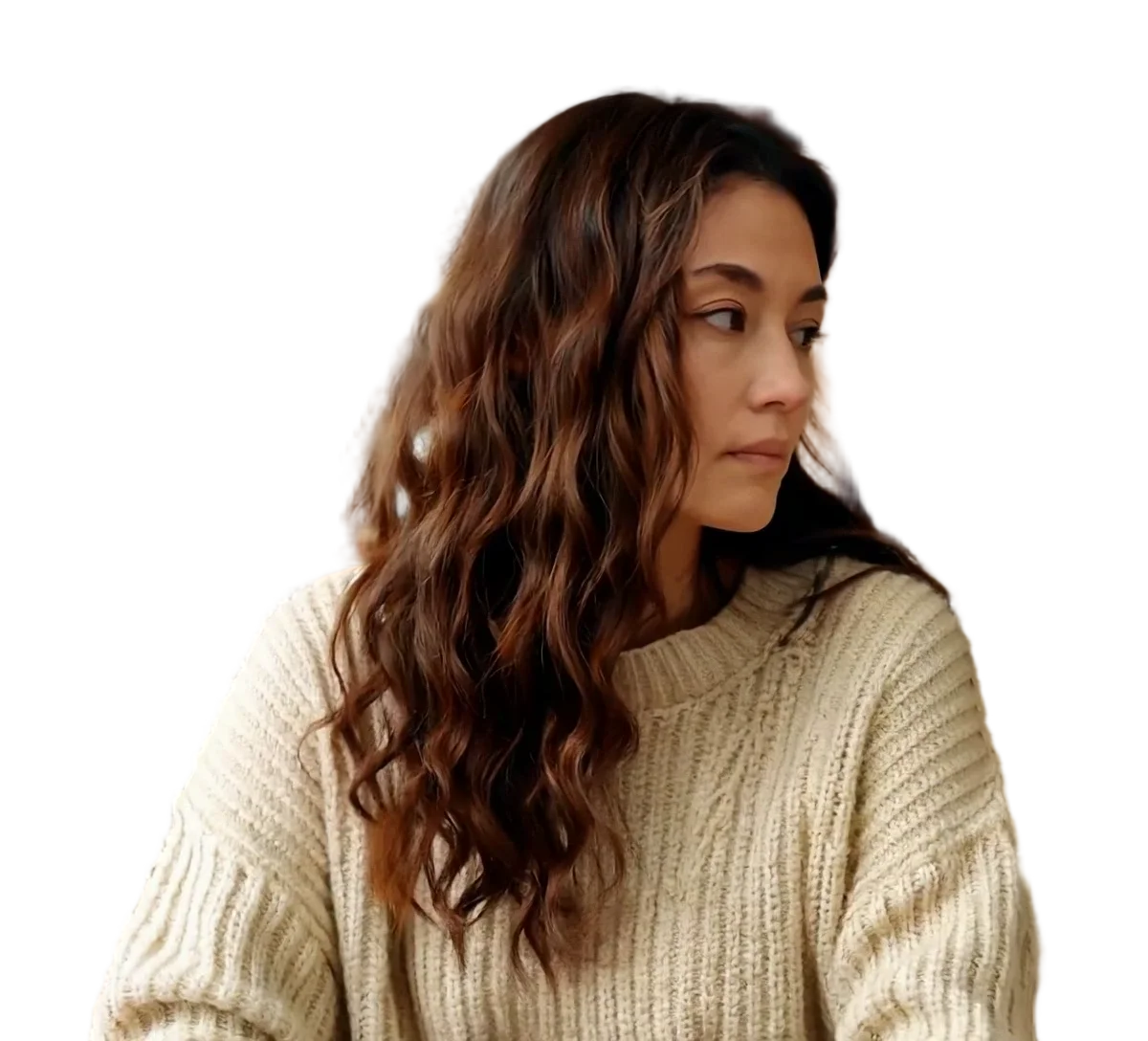

Person
Video model output

Product
Video model output

Pet
Video model output
Green screen video background remover details
Put a subject on green, or take the green away
Two jobs share this page. Turn ordinary footage into an MP4 on flat #00FF00 green for an editor's chroma key, or upload footage you already shot on green and export it transparent, with no keying at all.
What the green screen video background remover outputs
Every green screen MP4 puts the subject on #00FF00, which is red 0, green 255 and blue 0, in both People and Objects & pets mode. The background is filled by our own encoding step, not lit on a set, so it is one flat value behind the subject in every frame.
The file is an H.264 MP4, a format with no alpha channel, which is why the background is green instead of transparent. It keeps the frame size, frame rate and sound of your upload, and our 30-second 1080x1920 test came out at 12 to 15 MB.
Green MP4 or a transparent file
| Green screen MP4 | Transparent WebM | ProRes 4444 MOV | |
|---|---|---|---|
| Background | Flat #00FF00 | Transparent (alpha channel) | Transparent (alpha channel) |
| Needs a chroma key in the editor | Yes | No | No |
| Size, 30 s of 1080x1920 | 12 to 15 MB | About 23 MB | About 975 MB |
| Soft edges and fine hair | Depend on your key settings | Kept as the model made them | Kept as the model made them |
Where each file opens
The green MP4 is the one file here with no transparency to lose. Where the other two open, checked against vendor documents:
Scroll the table sideways to see every column.
| Download | Transparency in the file | Chrome and Firefox | Safari | Final Cut Pro | DaVinci Resolve 20 | OBS Studio | Size, 30 s of 1080x1920 |
|---|---|---|---|---|---|---|---|
| Green screen MP4 (H.264) | No: flat #00FF00 to key out | Not checked | Not checked | H.264 listed | Not checked | .mp4 listed as a media file | 12 to 15 MB |
| ProRes 4444 MOV | Yes | Not checked | Not checked | Apple ProRes, all versions, listed | ProRes 4444 MOV listed | .mov listed as a media file; alpha not checked | About 975 MB |
| Transparent WebM (VP9) | Yes | Plays with transparency | Plays VP9, without transparency | WebM is not in the import list | No WebM container in the list | .webm listed as a media file; alpha not checked | About 23 MB |
Not checked means we found no vendor document for that cell, not that it fails. Premiere Pro, After Effects and CapCut are left out because we could not check them against Adobe or CapCut documentation. Sizes: Measured on one 30-second 1080x1920 clip at 30 fps, September 2026. Your own clips will differ.
Sources
- Final Cut Pro: Apple Support, Final Cut Pro import formats
- OBS Studio: OBS Studio knowledge base, Media Sources
- DaVinci Resolve 20: Blackmagic Design, DaVinci Resolve supported codec list, July 2025 (PDF)
- Chrome, Firefox and Safari: Jake Archibald, video with transparency on the web (2024)
Already shot on a green screen?
Upload that footage and choose transparent WebM or ProRes 4444 MOV. The model is not a colour key: it separates the subject from the background as a whole, so creases, shadows and uneven light on the sheet do not have to be dealt with first.
We have not yet tested how green light reflected onto skin and hair comes out, so run the 5-second preview on your clip before paying for the full length.
Keying the MP4 in your editor
Put the MP4 on a track above your new background, apply your editor's chroma key or green screen keyer, and set the key colour to 00FF00 or sample it with the eyedropper. Because the background is one flat value rather than a lit sheet, start from the keyer's default strength and raise it only if a green fringe remains.
If your editor reads alpha channels, the transparent WebM or ProRes 4444 MOV skips this step.
Frequently asked questions
Yes. Upload the green screen footage and choose transparent WebM or ProRes 4444 MOV. The model is not a colour key, so creases and shadows on the backdrop do not have to be cleaned up before it separates the subject. We have not tested green spill, the green light that bounces onto skin and hair, so check the free 5-second preview first.
Upload the clip as it is, choose People or Objects & pets, and keep the output on Green screen MP4, which this page selects for you. The model removes the original background on every frame, and our encoder places the subject on #00FF00 green, keeping the frame size, frame rate and sound of your clip. A 30-second clip takes about 5 minutes.
#00FF00, meaning red 0, green 255 and blue 0, in both People and Objects & pets mode. The background is filled by our own encoding step rather than lit on a set, so it is one flat value across the whole frame. Type 00FF00 as the key colour in your editor, or sample it with the eyedropper.
Only for the green screen MP4. It is an H.264 file, which has no alpha channel, so your editor has to key the green out, and a flat #00FF00 background gives the keyer one exact colour to remove. If your editor reads alpha channels, choose transparent WebM or ProRes 4444 MOV instead and skip keying altogether.
A chroma key removes pixels by colour, so it also removes anything in the shot close to that colour, such as green clothing, and it needs an evenly lit backdrop to work. This tool separates the subject from the background without looking for one colour, so it works on footage with no backdrop at all. You can still key its green MP4 afterwards if your editor needs that.
Use the green screen MP4 when your editor imports only ordinary video and has a chroma key. Use ProRes 4444 MOV for editors that read alpha: Apple lists ProRes for Final Cut Pro, and Blackmagic lists ProRes 4444 MOV for DaVinci Resolve 20. Use transparent WebM for web pages. Size differs a lot: 12 to 15 MB for the MP4 against about 975 MB for the MOV on a 30-second 1080x1920 clip.
Your first upload gets one free watermarked frame preview with no account at all. After you sign in you get up to three frame previews a day and one free 5-second video preview a day. Previews are watermarked and processed at up to 720p, and the 5-second one uses the model version for the subject you chose. A full green screen MP4 costs 2 credits per second of video, the cost is shown before you start, and it downloads without a watermark at your original frame size.
No. Uploads are limited to MP4, MOV and WebM files of up to 30 seconds and 100 MB, and GIF files are not accepted. Convert the GIF to MP4 in another tool first, then upload the MP4 here and choose the output you need, a transparent file or a new green screen MP4.