Transparent Video Maker
Clips that arrive already cut out
Turn a normal clip into a video with a real alpha channel, ready to layer on your timeline.
Video background remover
One free frame preview, no sign-in needed 2 credits per second of video No watermark on paid downloads See pricing
Previews are processed at up to 720p. Paid downloads keep the original frame size. Uploads are deleted after 24 hours, finished downloads after 7 days.
Try an example
How to create a transparent video
Choose ProRes 4444 MOV for an alpha channel on your timeline, or the alpha mask to composite the original yourself.
1Upload your clip
Click Upload video or drop an MP4, MOV or WebM up to 30 seconds and 100 MB.
2Choose subject and format
Pick People or Objects & pets and one of four downloads. The credit cost shows before you start.
3Download the result
About 5 minutes for a 30-second clip. You can leave the page while it runs.
Pick the file for where it is going




See it on a moving clip
The original clip and its cut-out play in sync under one divider. Drag it across, then compare the stills below.
AI-generated sample clip. The cut-out is real, unedited output from the People model.
Download this example (WebM with alpha)Still frames


Product
Video model output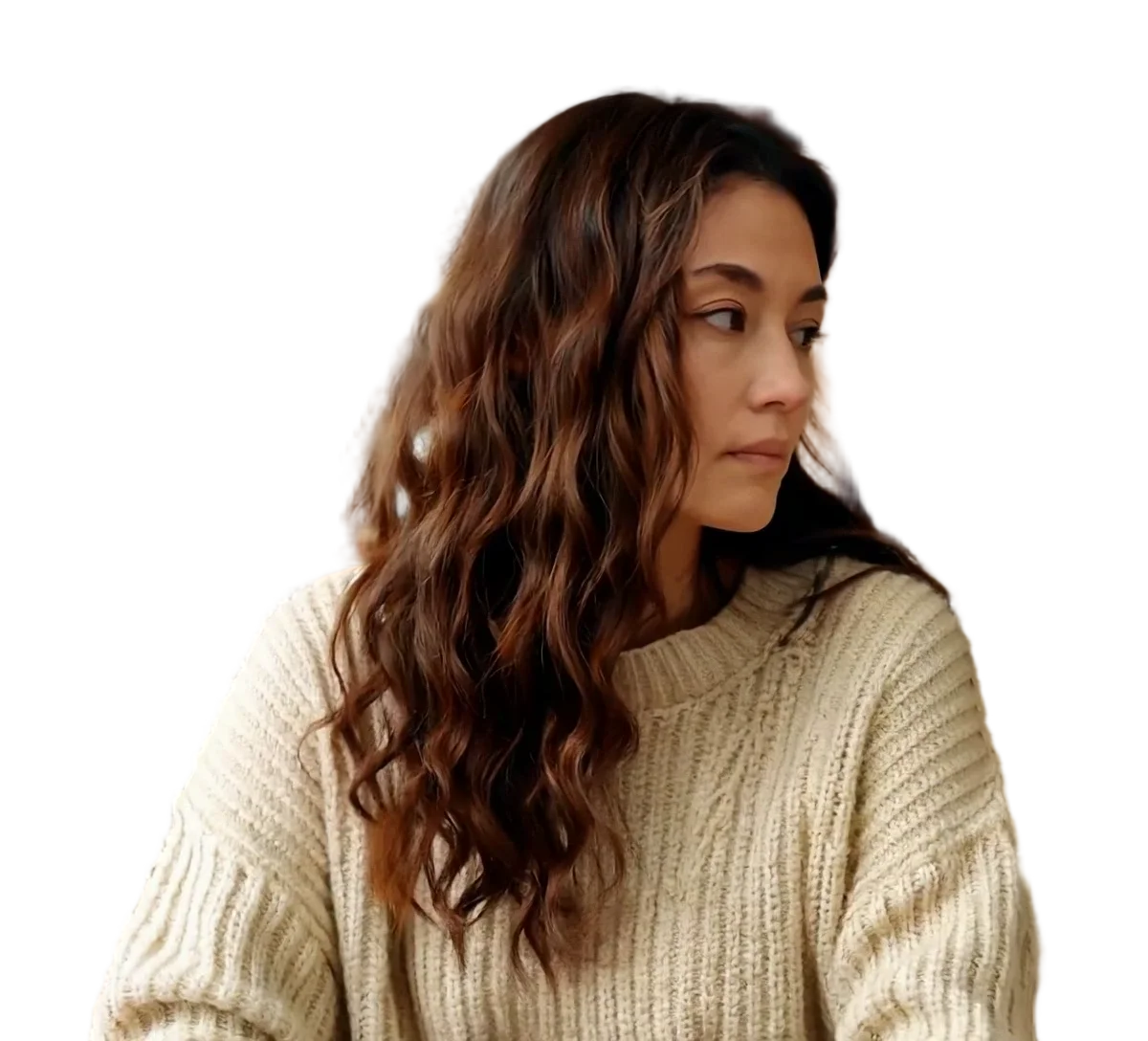

Person
Video model output

Pet
Video model output
Transparent video maker in detail
A cut-out clip for your editing timeline
Turn ordinary footage into a ProRes 4444 MOV with the transparency stored as an alpha channel, or into a black and white alpha mask for grading and compositing the original yourself. Both keep the frame size, frame rate and sound of your clip.
Which editors import the transparent video maker files
Only cells we could check against the vendor's own documentation are filled in.
Scroll the table sideways to see every column.
| Download | Transparency in the file | Chrome and Firefox | Safari | Final Cut Pro | DaVinci Resolve 20 | OBS Studio | Size, 30 s of 1080x1920 |
|---|---|---|---|---|---|---|---|
| ProRes 4444 MOV | Yes | Not checked | Not checked | Apple ProRes, all versions, listed | ProRes 4444 MOV listed | .mov listed as a media file; alpha not checked | About 975 MB |
| Transparent WebM (VP9) | Yes | Plays with transparency | Plays VP9, without transparency | WebM is not in the import list | No WebM container in the list | .webm listed as a media file; alpha not checked | About 23 MB |
| Alpha mask MP4 | No: a separate black and white matte | Not checked | Not checked | Not checked | Not checked | .mp4 listed as a media file | Not measured |
| Green screen MP4 (H.264) | No: flat #00FF00 to key out | Not checked | Not checked | H.264 listed | Not checked | .mp4 listed as a media file | 12 to 15 MB |
Not checked means we found no vendor document for that cell, not that it fails. Premiere Pro, After Effects and CapCut are left out because we could not check them against Adobe or CapCut documentation.
Sources
- Final Cut Pro: Apple Support, Final Cut Pro import formats
- DaVinci Resolve 20: Blackmagic Design, DaVinci Resolve supported codec list, July 2025 (PDF)
- OBS Studio: OBS Studio knowledge base, Media Sources
- Chrome, Firefox and Safari: Jake Archibald, video with transparency on the web (2024)
What ProRes 4444 is, and why the file is so large
Apple describes ProRes 4444 as carrying a mathematically lossless alpha channel of up to 16 bits, with a target data rate of about 330 Mbps for 4:4:4 sources at 1920x1080 and 29.97 fps.
Our MOV of a 30-second 1080x1920 clip at 30 fps was about 975 MB, which works out to about 260 Mbit/s. Plan disk space for that: ten clips like it need close to 10 GB. For web delivery, the same job as a transparent WebM was about 23 MB.
Sources
- ProRes 4444 alpha and data rate: Apple Support, About Apple ProRes
Using the alpha mask as a track matte
The alpha mask is a separate black and white video: white where the model kept the subject, black where it removed the background. It matches your clip frame for frame, at the same size and frame rate.
Put your original footage on the timeline, grade it as usual, and apply the mask above it as a luma or track matte, so the grade and the cut stay independent. If an edge needs work, adjust the mask in your editor instead of running the job again.
Menu names differ between editors and we have not checked them against each vendor's documentation, so search your editor's help for luma matte or track matte.
Measured sizes and wait
From one paid job, to plan storage and turnaround for an edit.
- ProRes 4444 MOV
- About 975 MB
- About 260 Mbit/s, alpha channel included
- Transparent WebM
- About 23 MB
- VP9 video with an alpha channel
- Green screen MP4
- 12 to 15 MB
- H.264 video on #00FF00 green
- Wait for the 30-second clip
- About 5 minutes
- 272 s and 300 s in total, one run per subject mode
- Frame size and frame rate
- 1080x1920 at 30 fps
- Unchanged in every download, duration included
Measured on one 30-second 1080x1920 clip at 30 fps, September 2026. Your own clips will differ.
What it does not export
Each job gives one file: transparent WebM, ProRes 4444 MOV, green screen MP4 or alpha mask. Pick the one for your timeline before you start. These are not available:
- PNG image sequences
- GIF
- HEVC with alpha
- Lottie or other animation formats
Frequently asked questions
Upload the clip, choose People or Objects & pets, and keep the output on ProRes 4444 MOV, which this page selects for you. Press Remove background and the model removes the background on every frame. About 5 minutes later for a 30-second clip, you download a MOV with the transparency in its alpha channel, at your clip's frame size and frame rate, with the sound kept.
Formats with an alpha channel. This tool exports two of them: ProRes 4444 in a MOV, for editing, and VP9 in a WebM, for web pages. HEVC with alpha is another, used for transparent video in Safari, but it is not exported here. A standard H.264 MP4 has no alpha channel, so it cannot be transparent, which is why the green screen MP4 exists.
Those are the two we could check against the vendors' own lists. Apple's Final Cut Pro import formats page includes Apple ProRes in all versions, and Blackmagic's DaVinci Resolve 20 codec list includes ProRes 4444 in a MOV. We have not checked Premiere Pro or After Effects against Adobe documentation, so test a short clip there before a big job.
ProRes is an editing codec that stores far more data per frame than a delivery format. Apple gives a target of about 330 Mbps for 4:4:4 sources at 1920x1080 and 29.97 fps. Our 30-second 1080x1920 test MOV was about 975 MB, around 260 Mbit/s. If you only need the clip on a web page, the transparent WebM of the same clip was about 23 MB.
OBS Studio's Media Sources page lists both .mov and .webm among the video files a Media Source plays. We have not tested whether OBS keeps the alpha channel of either file, so try the clip in a test scene first. For a web page rather than a stream, use the transparent WebM.
This one runs in the browser, and you can check it for free: the first frame preview needs no account. After you sign in you get up to three watermarked frame previews a day and one watermarked 5-second video preview a day, using the model version for your subject. Previews are processed at up to 720p. A full transparent video without a watermark costs 2 credits per second, keeps your original frame size, and the cost is shown before you start.
Yes. Set Subject to Objects & pets, which runs the general version of BiRefNet rather than the version tuned for people. The price is the same 2 credits per second, and you get the same ProRes 4444 MOV. Our measurements so far come from a clip of a person, so run the free 5-second preview on your product or pet clip to see how the edges come out.
No. Each job produces one of four files: transparent WebM, ProRes 4444 MOV, green screen MP4 or an alpha mask. If your pipeline needs an image sequence, export the ProRes 4444 MOV and render it out as PNG frames in your editor, or with a converter that keeps the alpha channel.
It is a black and white video of what the model kept, frame for frame with your clip. Use it as a luma or track matte over your original footage when you want to grade the original and control the cut yourself, or fix an edge by editing the mask instead of running the job again. Each job makes one file, so choose Alpha mask as the output.